
EduGems is a recent project from ed tech leader Eric Curts, who has developed a free website that shares a growing collection of premade AI Gems, which are custom prompts that have been designed and saved for educators to use as desired in Google Gemini.
The Gems are shareable, so anyone who has a free Google Gemini account and links to the premade Gems can use these tools.
Eric has been writing his own AI prompts and also gathering excellent prompts from other education experts.
Not only can teachers access the content on this site for free, but they can also make copies of Gems that they find valuable as a starting point. Copying a Gem allows users to edit them and save them in their own Gemini account. This is very helpful for Gems that you would like to customize to more closely align with your unique teaching assignment and classroom needs.
Helpful Hints
At the top of the EduGems site, you’ll find a list of helpful hints to provide context and insight. Here are a few of those tips:
- When you click on the “Use the Gem” link, it will open in Gemini, and you can begin interacting with it right away.
- Eric suggests simply typing in the word “Hi” to get the Gem started. Upon doing so, Gemini will begin asking you for input based on the directions it has been programmed with so that it can generate relevant outputs for you.
- For better results, you can also toggle from “Fast” to “Thinking” mode inside of Gemini. The “Thinking” mode will take longer to process, but you’ll get richer and more insightful outputs.
- There are additional links available that allow you to contact Eric, view a tutorial video, sign up for his newsletter, and even submit your own Gems to be considered for inclusion in his collection.
Available Gems
The page has a clean layout and is easy to navigate. Eric currently has six categories of Gems and a list of the newest additions at the top.
You can scroll down the page to view the options or choose a menu shortcut on the left. When you see the title of a Gem that looks useful, simply click on it to reveal a description, directions, a link to the Gem, and a link that allows you to copy the Gem into your own account. This structure is consistent across the site, making it even easier to navigate.
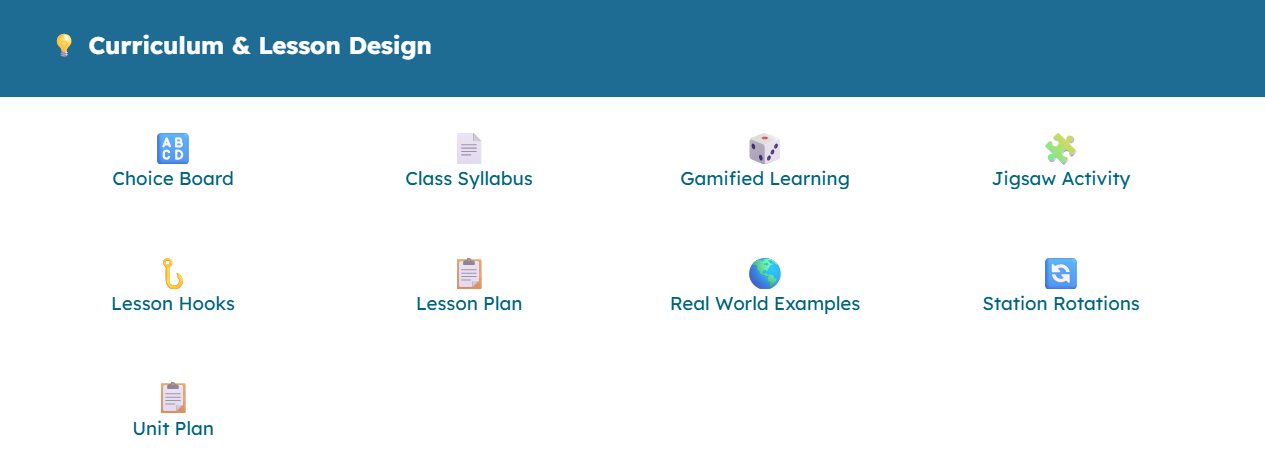
The first section that you’ll see is for curriculum and lesson design. In this section, you would find such AI Gem options as “Lesson Plan,” “Unit Plan,” “Lesson Hooks,” “Station Rotations,” “Jigsaw Activity,” and “Choice Board.”
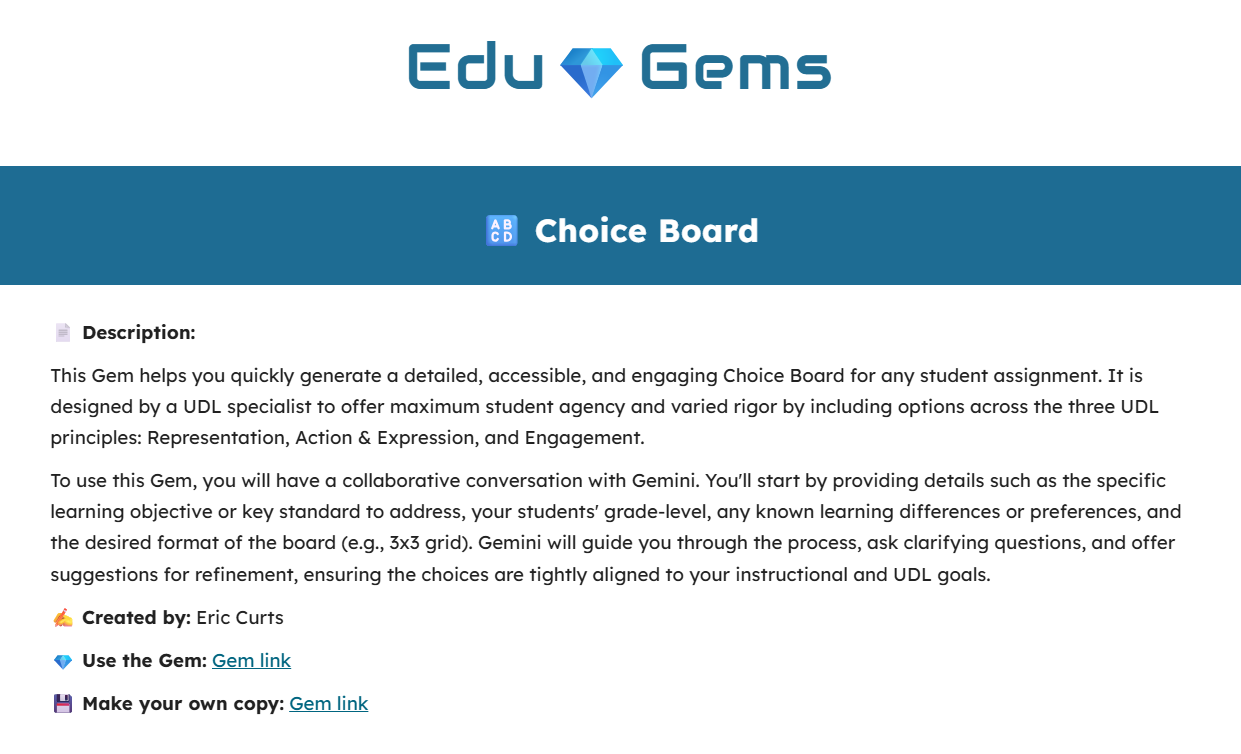
Clicking on “Choice Board” will take you to a description of that Gem. It reads: “This Gem helps you quickly generate a detailed, accessible, and engaging Choice Board for any student assignment. It is designed by a UDL [Universal Design for Learning] specialist to offer maximum student agency and varied rigor by including options across the three UDL principles: Representation, Action and Expression, and Engagement.” A description of the Gem is also provided to share a bit more about how the experience will play out.
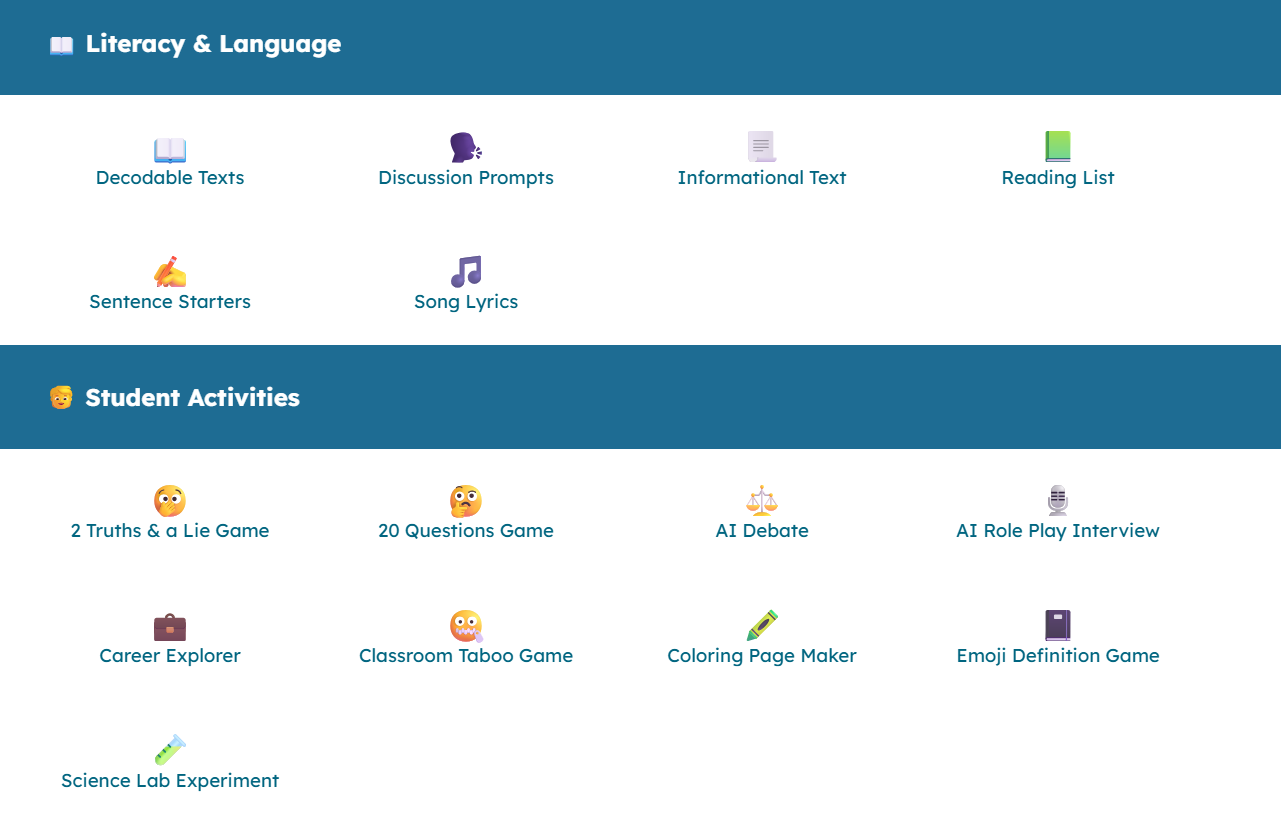
The next section is titled “Literacy and Language.” There are currently six Gems here: “Decodable Texts,” “Discussion Prompts,” “Informational Text,” “Reading List,” “Sentence Starters,” and “Song Lyrics.”
Below this is a section for generating student activities. Here, you’ll find a variety of options, such as “2 Truths and a Lie Game,” “20 Questions Game,” “AI Debate,” “AI Role Play Interview,” and even a “Career Explorer.”
The last three sections are for “Assessment,” “Support,” and “Professional Tasks.”
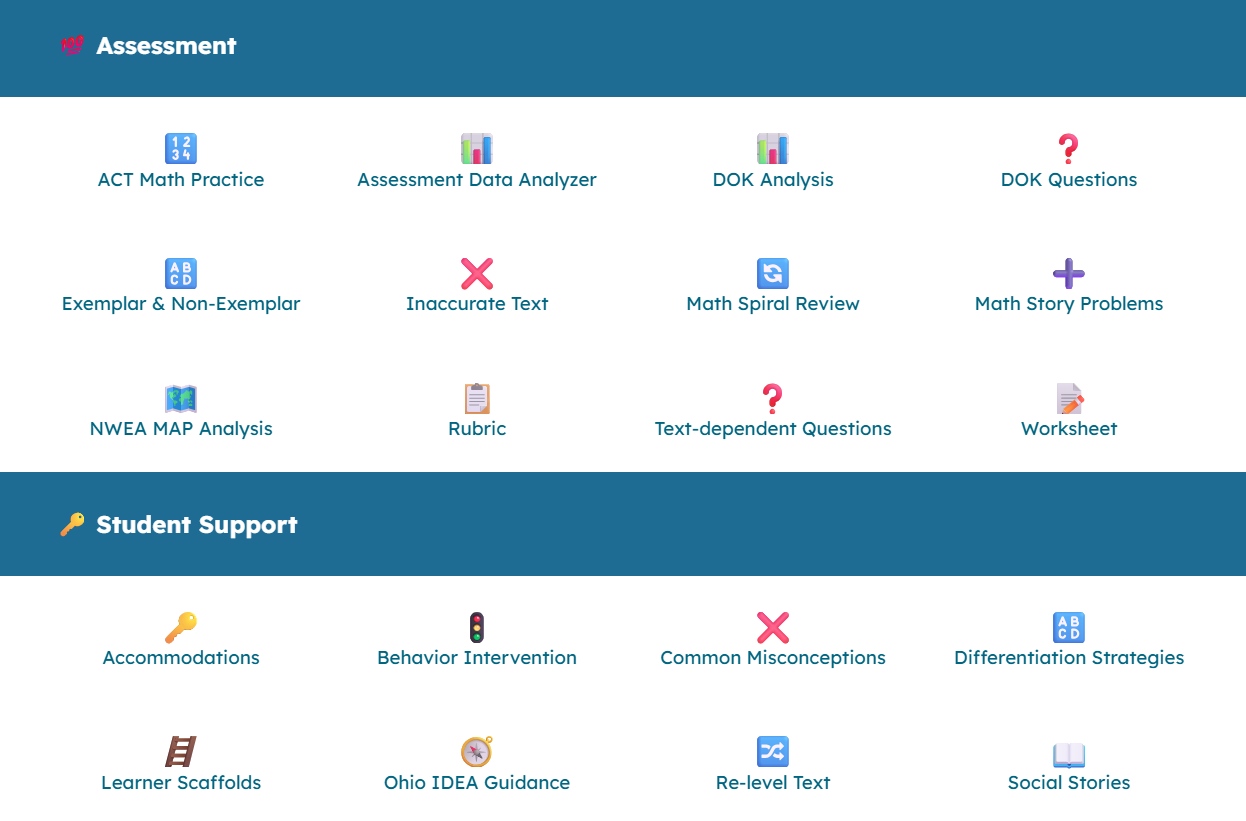
The “Assessment” collection is what you’d expect: tools for developing both practice and assessment activities. It includes options like “DOK Analysis,” “Math Story Problems,” and “Text-Dependent Questions.”
The “Support” section is great for both special education and core classroom teachers. The Gems here can help you develop accommodations, behavior interventions, and differentiated materials.
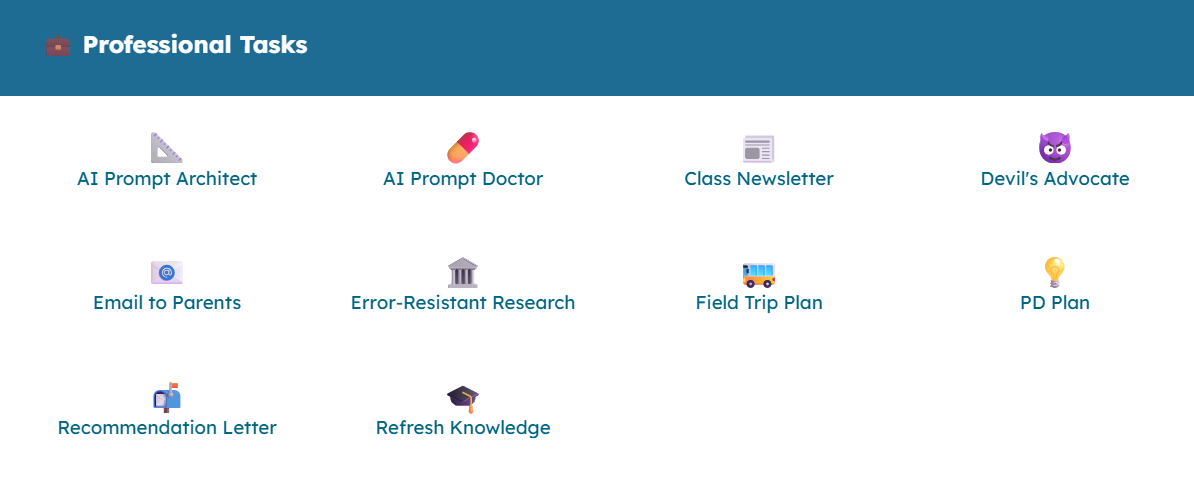
Finally, the “Professional Tasks” section offers tools for action, such as writing better AI prompts, emailing parents, planning professional development, and generating a class newsletter.
With any of these prompts, you can use Gemini’s upload feature and add in additional documents and resources about the work you’re doing so that the Gem has specific details and context for your classroom.
Multiple Benefits
There’s value to be found in Eric’s collection of Gems for educators new to AI as well as seasoned pros. For some Gems, you may want to click and use them just as they are; they’re quite literally ready to go.
Other times, you may want to copy the Gem and edit it, so it more aligns to your specific needs. The site provides prompts that you can use right now, models for helping you write your own quality prompts, and ideas for the types of prompts that you might want to create for your own use in the future.
If you’re further along in the journey, you might even decide to create your own Gems based on the inspiration that you find here. You can do that in your Gemini account, and if you develop one that really works well for you, you might consider submitting it to EduGems for possible inclusion in Eric’s list.
AVID Connections
This resource connects with the following components of the AVID College and Career Readiness Framework:
- Instruction
- Systems
- Leadership
- Opportunity Knowledge
- Break Down Barriers
- Align the Work
- Collective Educator Agency
Extend Your Learning
- EduGems (Eric Curts)
- Creating and Sharing Gems in Google Gemini (Eric Curts via YouTube)